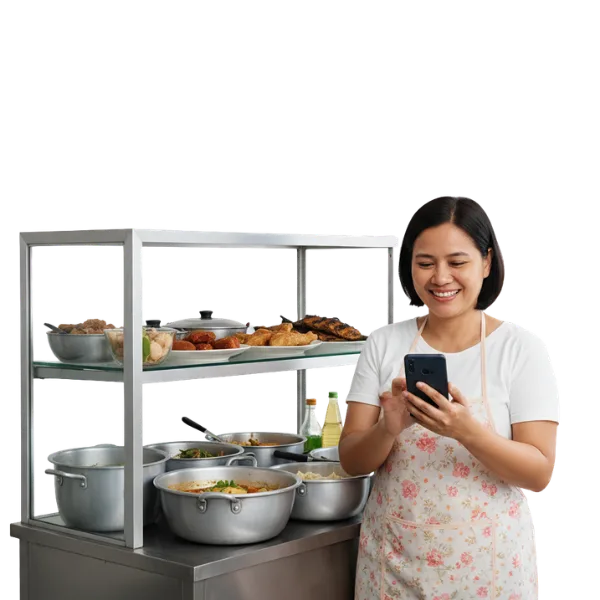
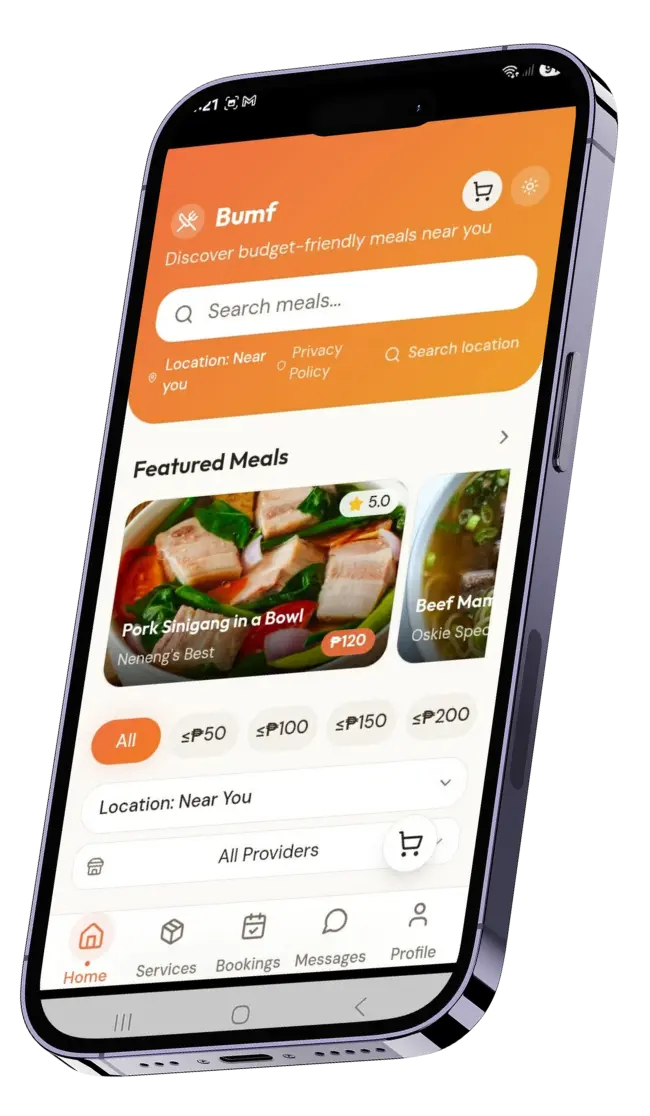
Join Bumf as a Meal Provider and share your food with the community. Whether you’re a home cook or a small food business, Bumf gives you a platform to reach more customers, deliver affordable meals, and grow your brand.
Benefits
Expand your reach
connect with hungry customers nearby.
Boost your income
earn from every meal you provide.
Flexible setup
cook and sell on your own schedule.
Community impact
support local riders and customers with affordable food.
Turn your kitchen into opportunity — install Bumf today and become a trusted Meal Provider.
📲 How to Install and Register
Step 1: Download the APK
Tap the Install Now button on our website.
The APK file will automatically download to your device.
Step 2: Install the App
Once the download is complete, open the APK file.
Allow installation when prompted by your phone’s settings.
Follow the on‑screen instructions to finish installing Bumf.
Step 3: Create Your Provider Account
Open Bumf after installation.
Tap Profile → Create Account → select Meal Provider.
Enter your name, mobile number, and email.
Create a secure password and confirm your account.