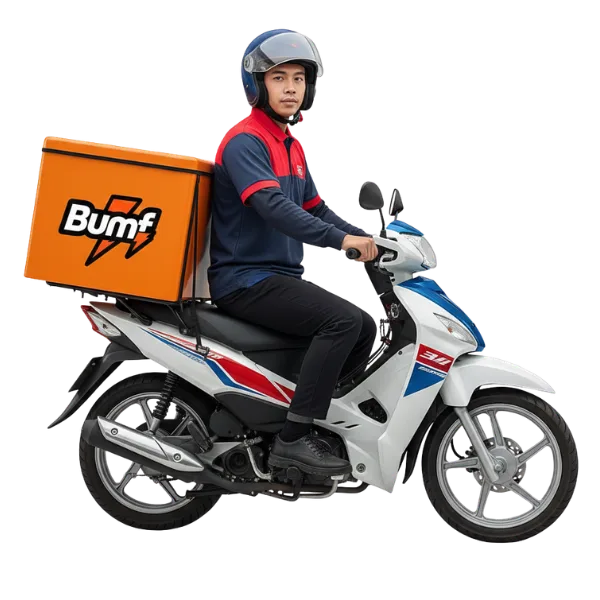
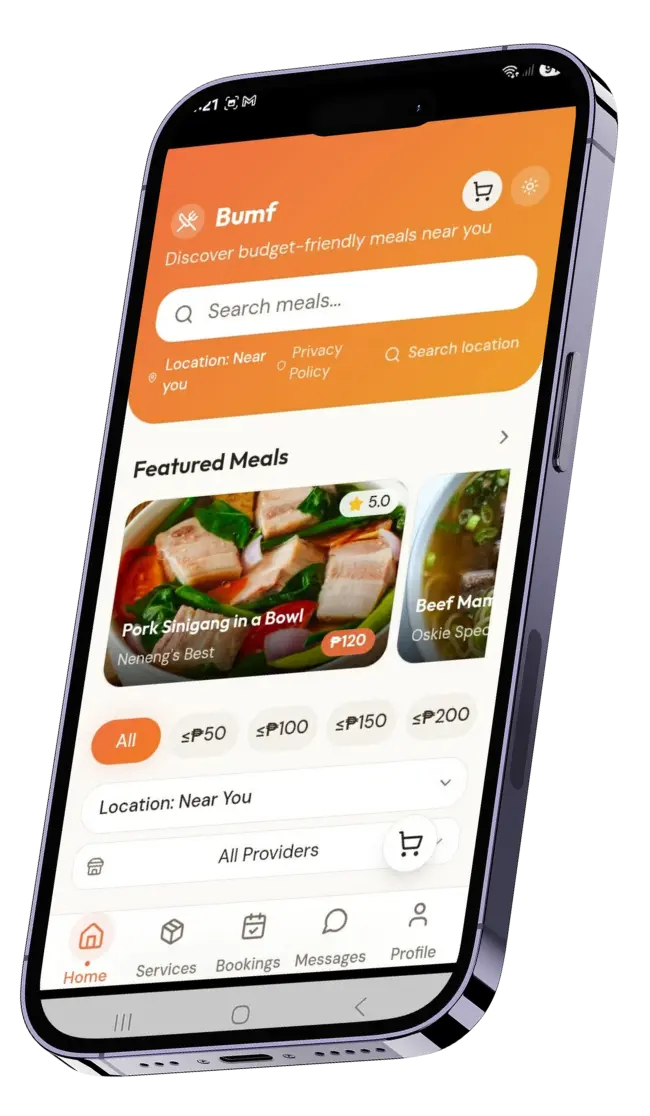
Join Bumf as a Rider and earn by helping your community. Riders handle Food Delivery, Errands, and Pick‑up & Drop‑off services, making everyday life easier for customers while creating flexible income opportunities.
Benefits
Earn extra income
get paid for every completed booking.
Flexible schedule
accept jobs when it fits your time.
Variety of tasks
deliver meals, run errands, or transport items.
Community connection
support local providers and customers.
Ride with purpose — install Bumf today and start earning through deliveries and errands.
📲 How to Install and Register
Step 1: Download the APK
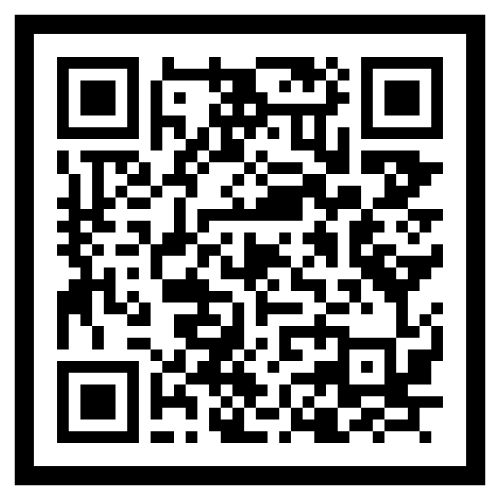
Tap the Install Now button on our website.
The APK file will automatically download to your device.
Step 2: Install the App
Once the download is complete, open the APK file.
Allow installation when prompted by your phone’s settings.
Follow the on‑screen instructions to finish installing Bumf.
Step 3: Create Your Rider Account
Open Bumf after installation.
Tap Profile → Create Account → select Rider.
Enter your name, mobile number, and email.
Create a secure password and confirm your account.
Step 4: Access Bookings
After registration, tap Bookings in the app menu.
View New Bookings available to accept.
Track your jobs under Active, and see completed or cancelled jobs under Done or Cancelled.